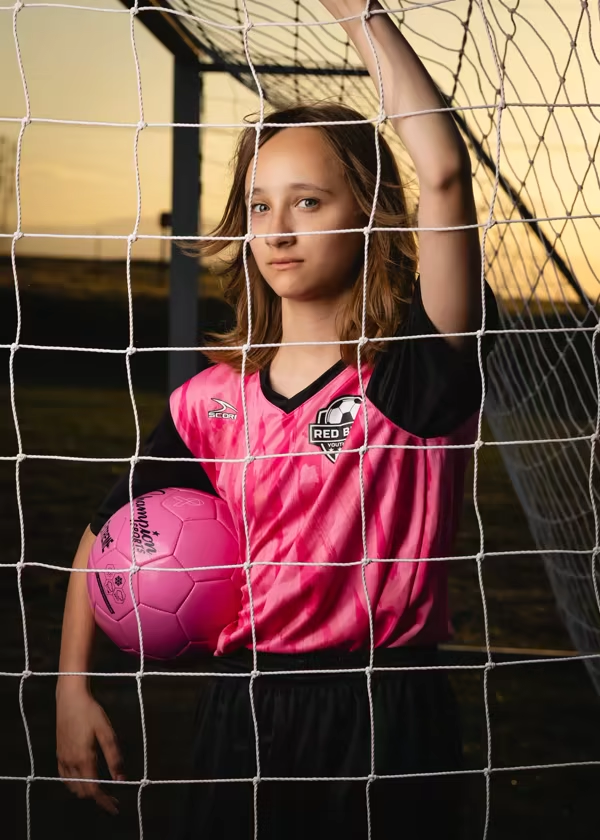
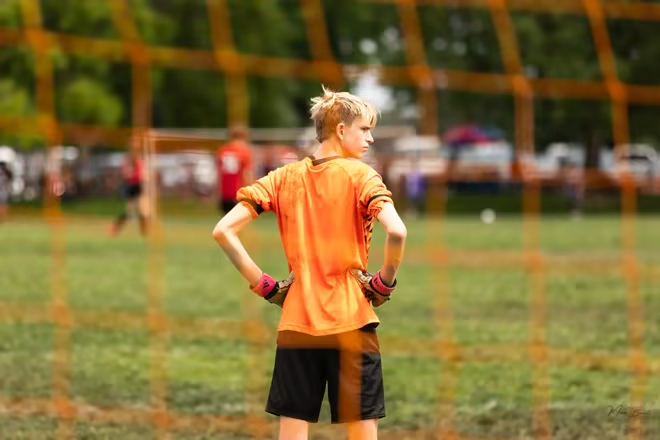
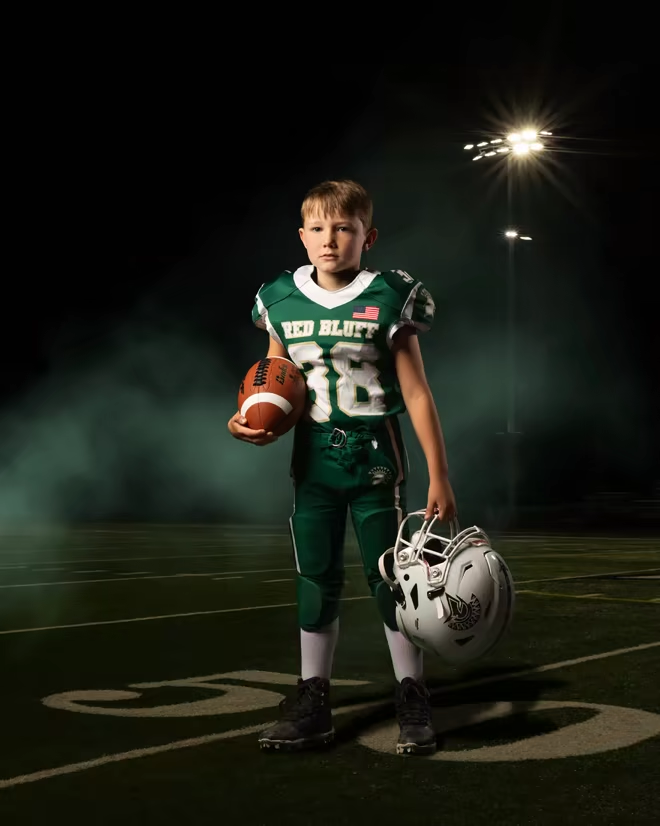
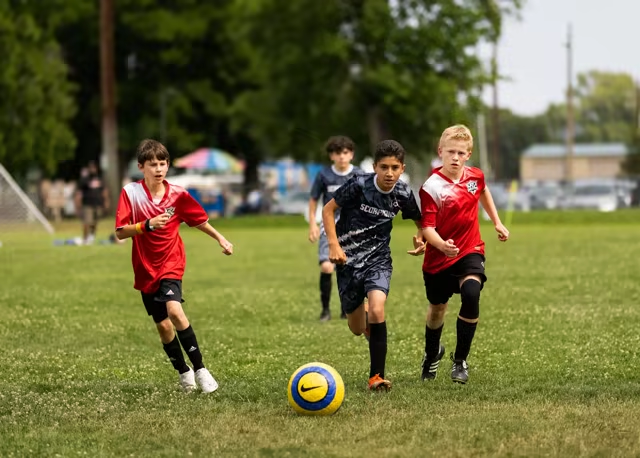
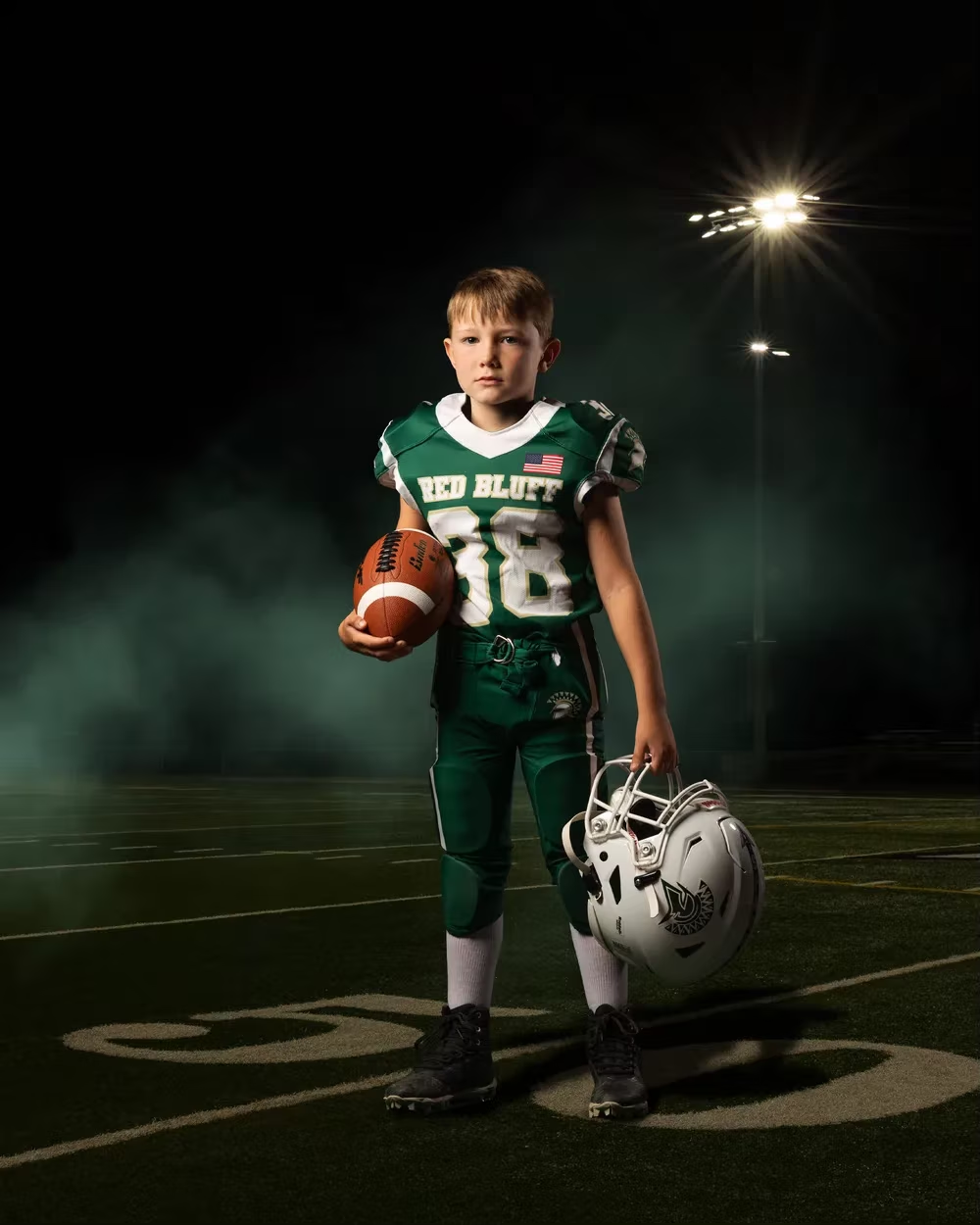
A layer for every element
Drag layers to change what sits in front. Group related elements and arrange photos, text, and artwork without rebuilding the layout.
Work with layers ↗Template Engine
Turn photos, names, and team details into personalized prints. Build the layout in Batch Relay, then carry it through your roster, packages, and supported print fulfillment.
Create your first templateThis is a marketing simulation. It uses synthetic athlete names and existing marketing photography, and it does not open or edit a customer template.
Customer answers, ready for the print
Link a text layer to an athlete name, team, or jersey number. The answers parents enter in your storefront form fill those fields on the print, so you don't have to type them again.
See how forms connect to orders ↗Inside the editor
Move a name in front of a photo. Curve a team name around a button. Add the artwork that makes the design yours.
Drag layers to change what sits in front. Group related elements and arrange photos, text, and artwork without rebuilding the layout.
Work with layers ↗Choose fonts and weights, wrap text, or let the box grow with the words. For curved text, adjust the radius, arc span, and alignment.
Explore text tools ↗Add PNG overlays, your studio logo, a watermark, or a filled shape. The floating insert bar keeps those tools beside the print.
Add your logo ↗Drag a portrait, landscape, or square slot into your print, then adjust its proportions to suit the layout. Each athlete’s photos fill those places.
Work with image slots ↗Drag to select several text layers, then drag the gap between them to set equal spacing. Adjust the group without moving each element by hand.
Explore the canvas ↗Choose left, center, or right alignment inside each text box. Switch names to uppercase, lowercase, or title case without changing the layout.
Explore text tools ↗Accented names are supported in the Template Engine. Keep the ñ in Muñoz, the í in García, and every accent that belongs in a person's name, all the way to the print.
Work with text fields ↗A 5 × 7 print can stay a simple photo or become your own layout. Build a memory mate, magnet, or trading card with the same editor. Personalization is your choice.
From your first draft to production
Copy a template you already like, or use a print from this template or another one as your starting point. Review the fit and make it yours.
Create a template ↗Save changes in a draft, then publish a revision when it's ready. Earlier revisions stay in the template's history.
Follow the template walkthrough ↗Review text fit, trim edges, missing font characters, and image resolution. Warnings point to the layer that needs attention before production.
Explore the canvas ↗Templates aren't tied to a single lab. Use your design across the providers Batch Relay supports, with the product sizes and artwork requirements checked for the print you choose. See supported labs.
Template Engine FAQ
Yes. The Template Engine is part of Batch Relay's all-in-one platform, with one agreed platform fee and no monthly subscription or paid feature tiers. The pricing page explains the platform fee and other order costs. See pricing details
Your next picture day
Build your first layout with the walkthrough, or talk with us about bringing your studio to Batch Relay.